CatPro Docs
Account and Profile
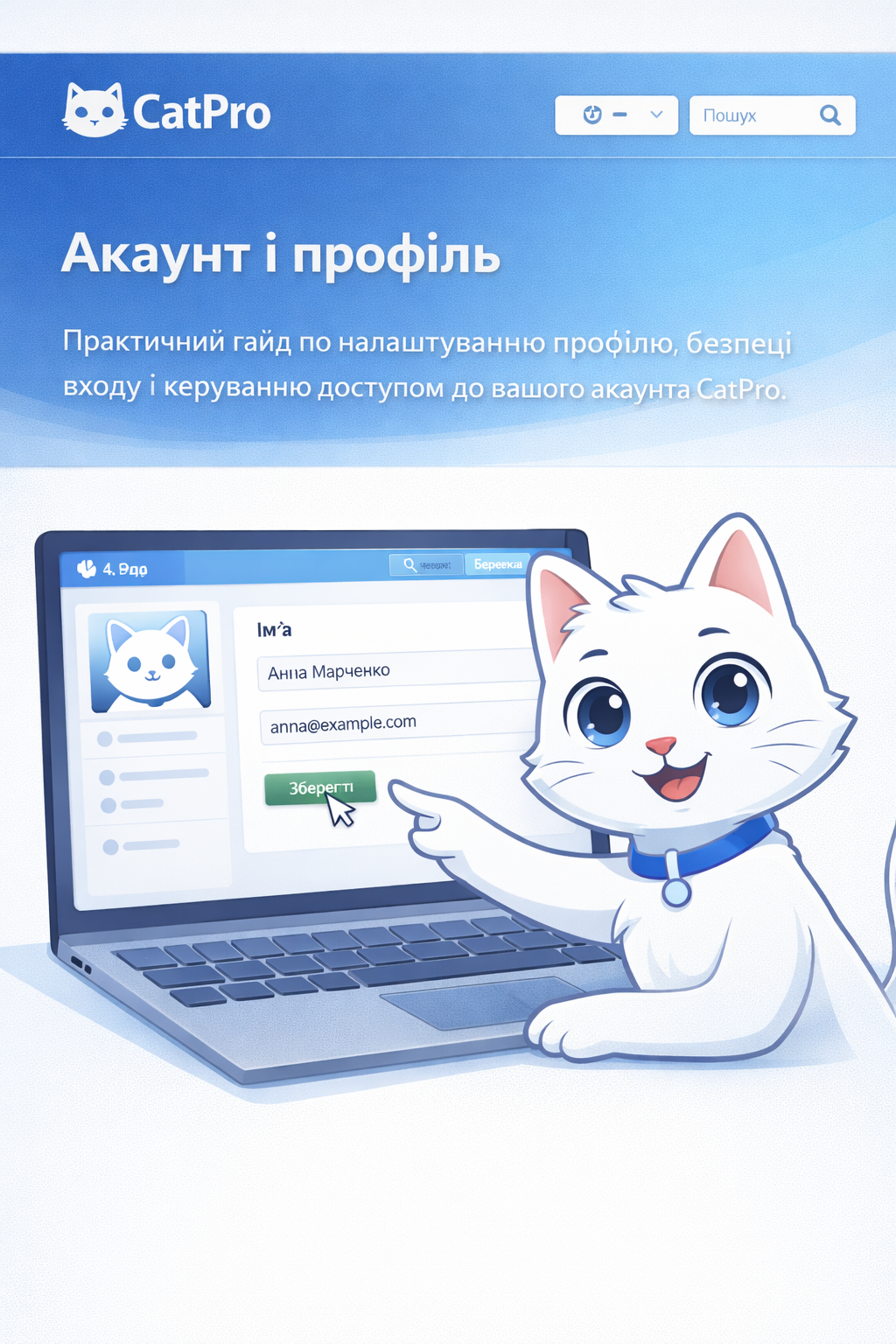
A practical guide to setting up your profile, login security, and managing access to your CatPro account.
✓
Recommendation: After making any changes to your profile, immediately check the availability of critical sections and active sessions.
1
Basic Profile Setup
Start by correctly filling out the basic information so the team receives the necessary notifications and works in a unified context.
- Fill in the name, contact email, and work data used by the team.
- Check the correctness of the interface language and time zone.
- Update contact information after changes to avoid missing important notifications.
CatPro advises
Use a current corporate email for the work account — this simplifies access recovery and communication within the team.
2
Security and Access
🔐 Login Security
👥 Access Control
⚡ Quick Response
- Use a unique password and change it periodically.
- Do not share account credentials with third parties.
- After suspicious activity, change your password and end active sessions.
CatPro advises
If multiple people work on the account, it is better to set up separate roles and accesses rather than sharing one login with the entire team.
3
If You Have Trouble Logging In
In most cases, the problem can be resolved in a few minutes by sequentially checking the main entry points and recovery channels.
- Check the correctness of the email and keyboard layout.
- Use email or Telegram bot for access recovery.
- If the code or email does not arrive, check spam and contact support.
CatPro advises
Before contacting support, prepare the account email and a brief description of the problem — this will speed up access recovery.
4
FAQ
If the profile did not update after saving, reload the page and log in again.